Keeping an Eye on the Family w/ Logi Circle + 6-Step Setup
Over the years, we have had the opportunity to try several home security cameras. Video clarity, infrared night vision, audio quality, and recording capabilities continue to improve. Even better is…

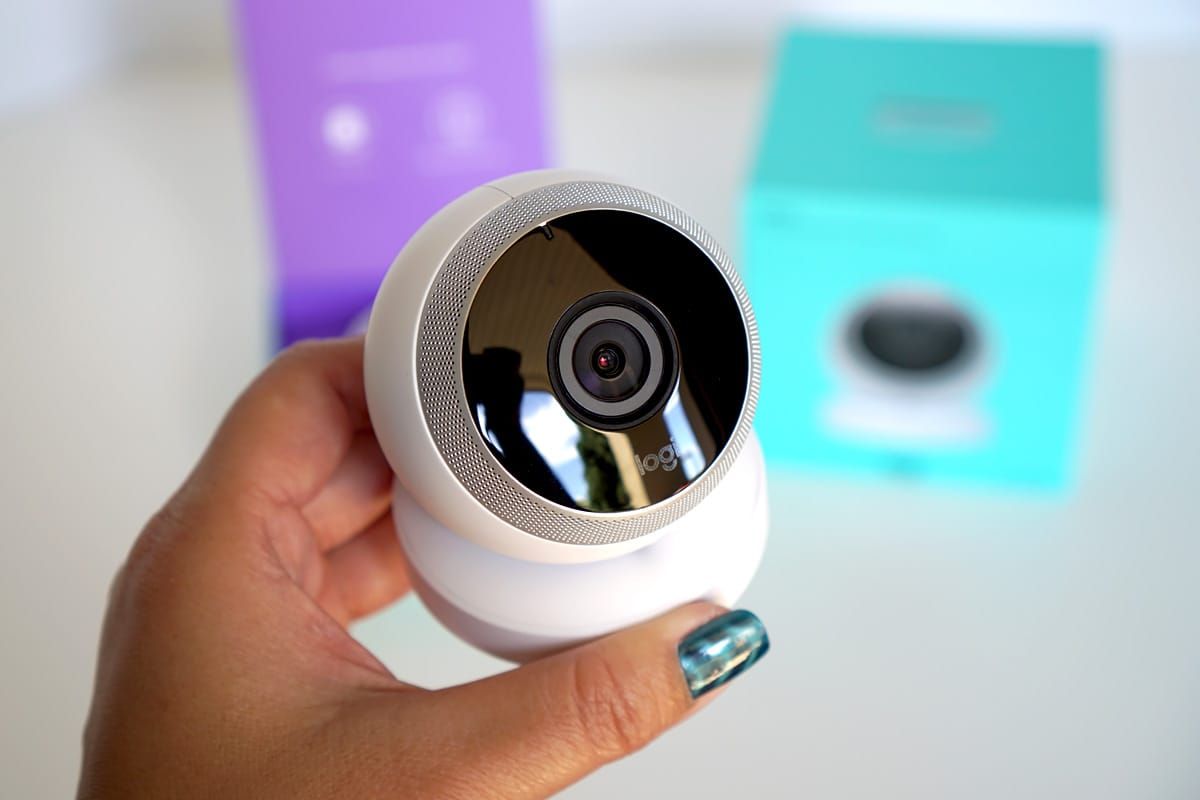
Over the years, we have had the opportunity to try several home security cameras. Video clarity, infrared night vision, audio quality, and recording capabilities continue to improve. Even better is the fact that these cameras are getting more discreet and easier to install. So far, the Logi Circle we received last month is blowing the competition out of the water!
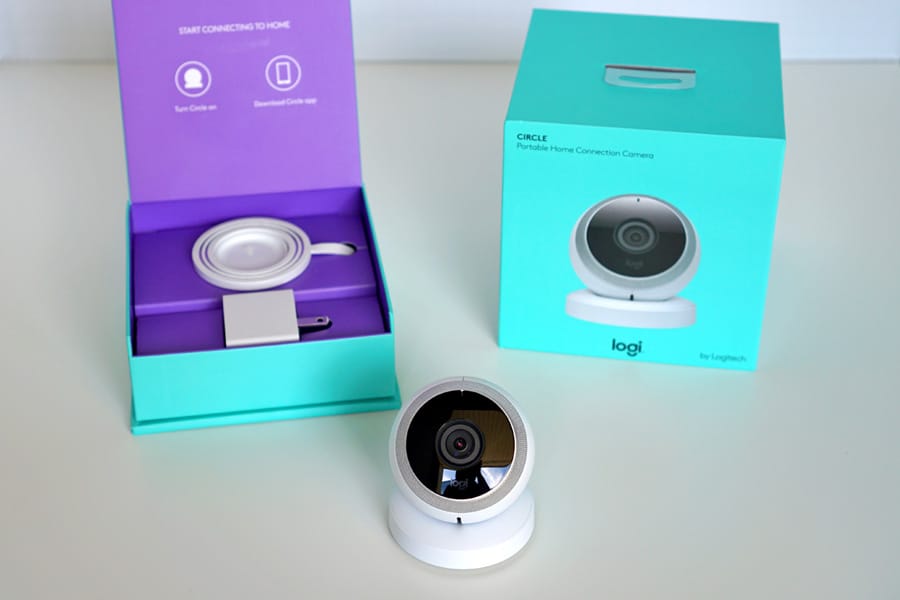
Logi Circle is the new wireless video monitoring camera from Logitech. Don’t let the compact size fool you, though. This little camera delivers crazy good video and audio. Plus, the feed is stored in the cloud for 24 hours for you to review and/or download footage.
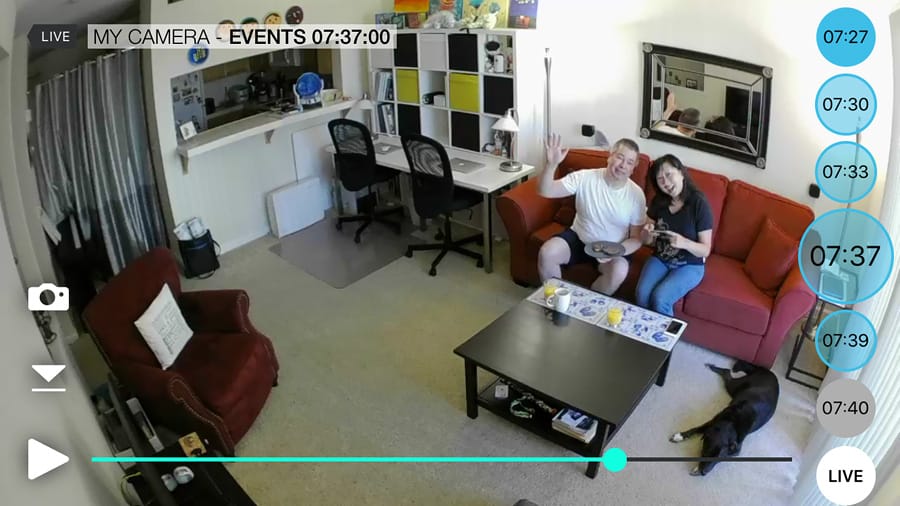
The camera includes a two-way speaker to listen for strange noises or to startle whoever is at home. One night, I was busy working and I suddenly I hear Frans through the speaker saying, “Honey, come to bed…” Ah — creepy!
Installing the Logi Circle from Logitech
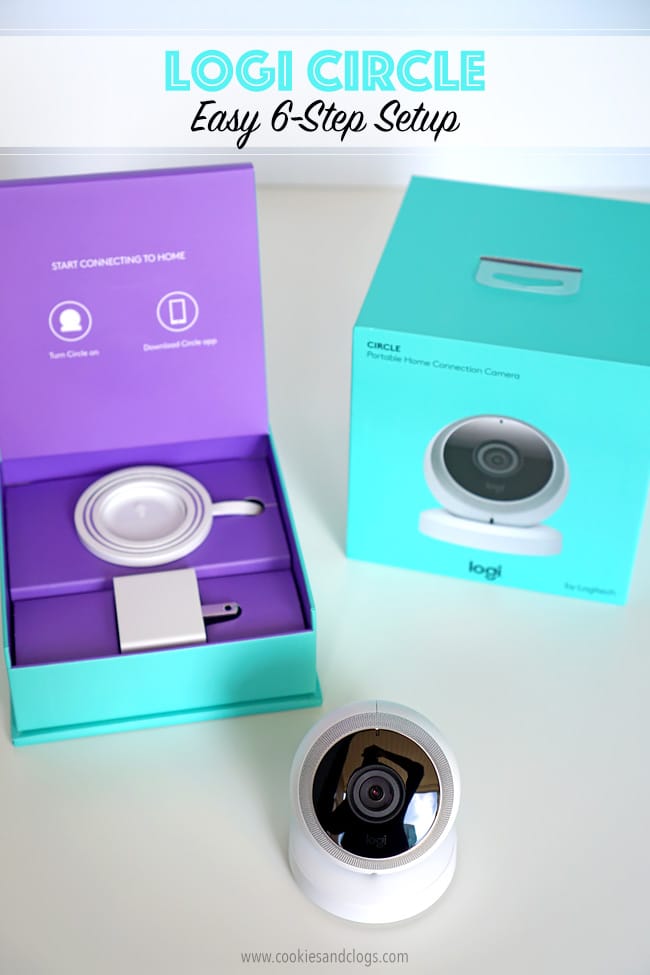
Logi Circle installs in less than five minutes. It is the only time I have heard Frans say that installing a device was “pretty cool.”
- Turn on the device using a switch on the bottom.
- Download iOS or Android app and open.
- When a blue light on the device begins to flash, tap the button on your smartphone to pair.
- Give your camera a name (i.e. living room).
- Select your wireless network. The Logi Circle will default to the network your phone is currently connected to.
- Follow directions in the app to set up an account and you’re good to go!
Your Logi Circle will now keep an eye on your place for you. Whenever there is movement, the timeline will flag those moments for you to check out. You can mount the camera wherever you’d like, then just return it to the Circle base to recharge.
Performing Well Both Day and Night
Even video taken during night mode is clear. Last night we caught our daughter going into the living room to check her phone at 1am. Hehe, you can bet we asked her about it in the morning! 😛 (She was just turning off her alarm… Ah, summer days…) We also found out what Speckles does at 3am and then again at 6am. That’s when she decides to walk around, shake, stretch, and then rub herself all over the carpet. Nice…
In the video below, keep in mind that it’s super dark in the room when this is being filmed. The bright light in the bookcase is actually another camera with infrared and is not visible normally.
Logi Circle Ideal for Families with Pets
Knowing that we have 24/7 video monitoring running gives us peace of mind whenever we leave home. This is especially true since we have a pet. We generally don’t have to worry about her sneaking naps on the sofa or stealing snacks from the pantry. But, if she injures herself or there’s an emergency, I like having the ability to check in on her in real-time.
On that note, I should mention that June is actually National Pet Preparedness Month. It’s good to take this time to make sure your family has everything set for your pets in case of disaster. To aid in this, Logitech wants to offer one of you a special Pet Preparedness Package.
This prize will include items like a traveling food container and no-chew bandages, as well as a Logi Circle. The giveaway will run until June 30th. All you have to do is tweet a message (pre-populated in the giveaway widget below) with one pet-related item you never travel without using the hashtag #PetPrepPack . Also, it’s not required but I would love it if you could include a photo of your pet too!
A Logi Circle was sent to me for review purposes. All opinions are my own.