Smart Home Complete w/ the Logitech Harmony Elite Universal Remote
Remember when they first started making universal remotes? I’m not talking about the first ones from the mid-eighties for just the TV, VCR, and home theater. I mean the smarter…

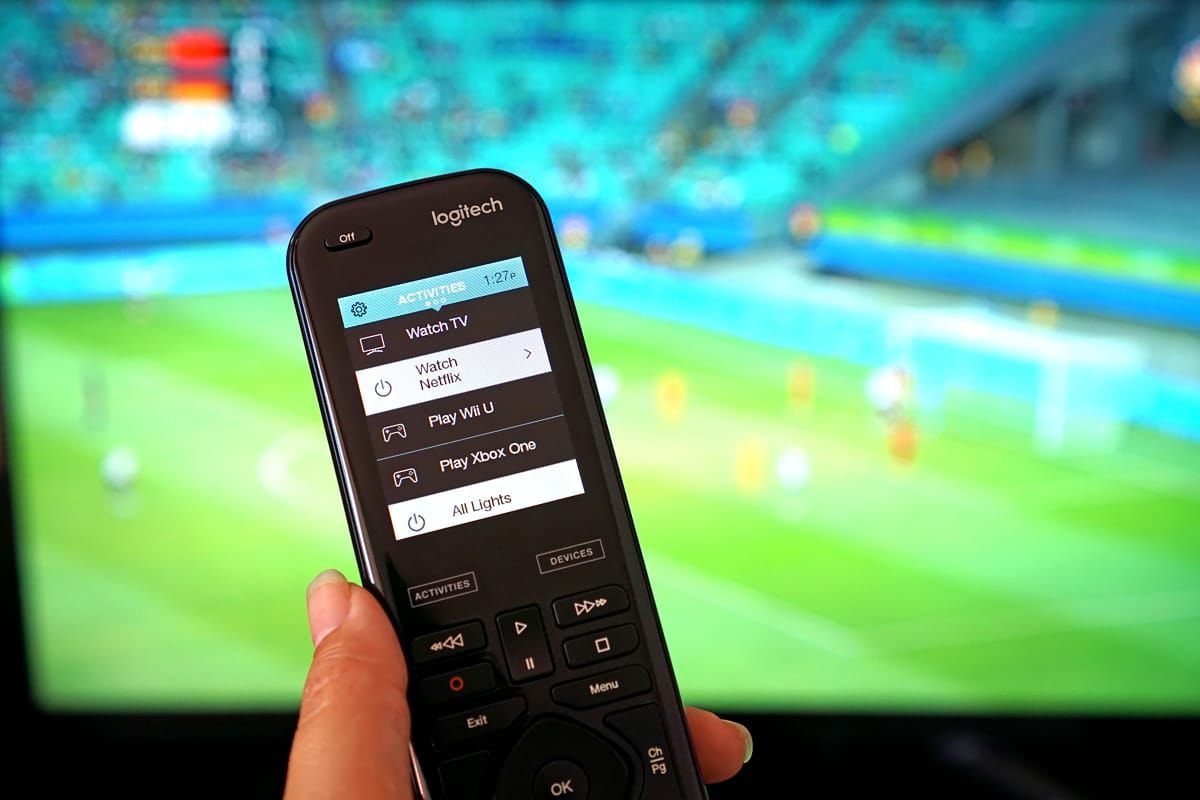

Remember when they first started making universal remotes? I’m not talking about the first ones from the mid-eighties for just the TV, VCR, and home theater. I mean the smarter ones that were able to actually learn new commands. It has been about 15 years since the Logitech Harmony, called the Easy Zapper back then, first came out. Since then, it has been the most popular universal remote. The newest model is the Logitech Harmony Elite and we had a chance to test it out.
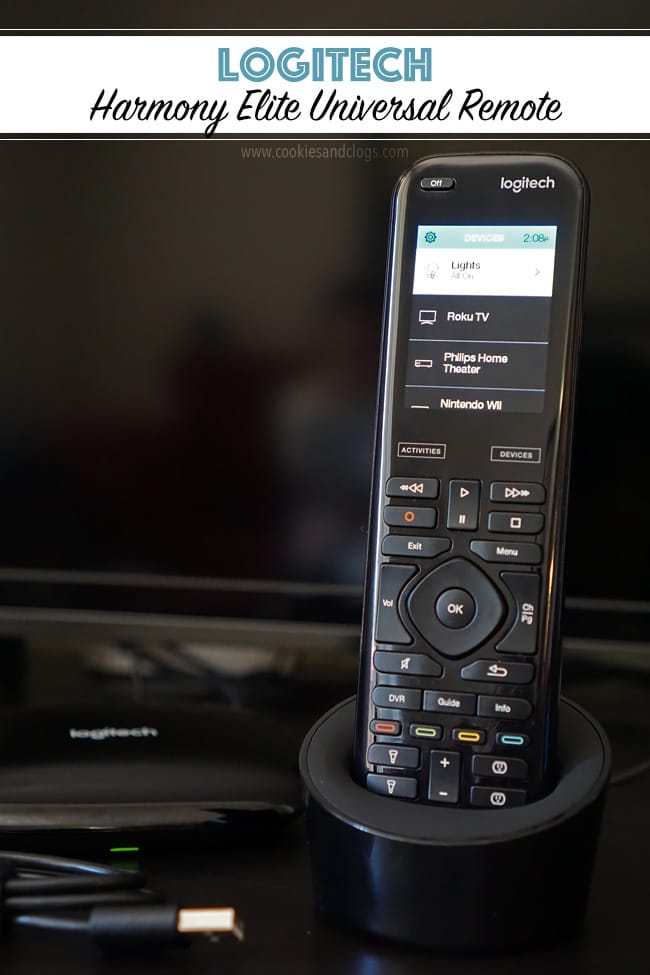
Logitech Harmony Elite — Universal Remote for Modern Devices
Quite a few things have changed since the Harmony’s first release. No one uses remotes for only their TV or VCR anymore. We now have smart TVs, home thermostats, gaming systems, and smart lights just to name a few. Many of these connected devices can also communicate with each other through services such as IFTTT.
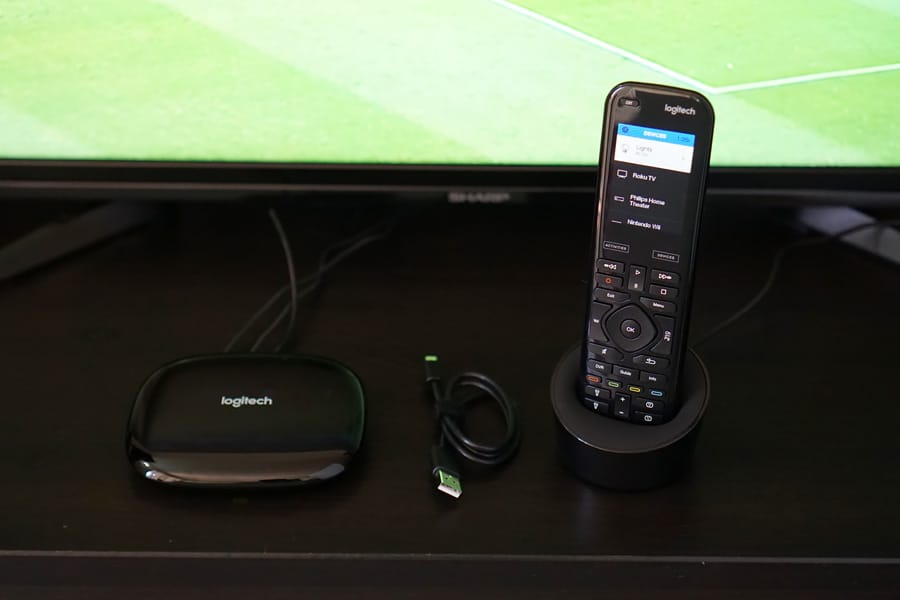
That means you can program an almost endless list of functions with the touch of one button. I’m still playing with it but here are some of the things I have been able to do with the Logitech Harmony Elite. This system comes with a remote with touchscreen, a hub, and apps for Android, iOS, Windows, and Mac.
Logitech Harmony Elite — Beyond On & Off
We found out that we could use the Harmony Elite to control our Philips hue light system. Before, I would have to use an app on my smartphone to turn on or off the lights. That means first finding the phone, entering the access code, firing up the app, and then finally controlling the lights. I was kind of appointed the designated light controller at home since I was the only one who downloaded the app.
After connecting the hue lights to the Harmony, we only have to press one button on the remote to toggle the power. Press it once to turn them on and press and hold to turn them off. Now anyone in the family can do it (not just me)!
The earliest Harmony remotes could control about 15 devices. The Harmony Elite has a database of thousands of devices to control straight out of the box! Even our simple living room fan was on that list. That’s how I came up with the following scenario to keep Speckles (our dog) cool when we’re not home.
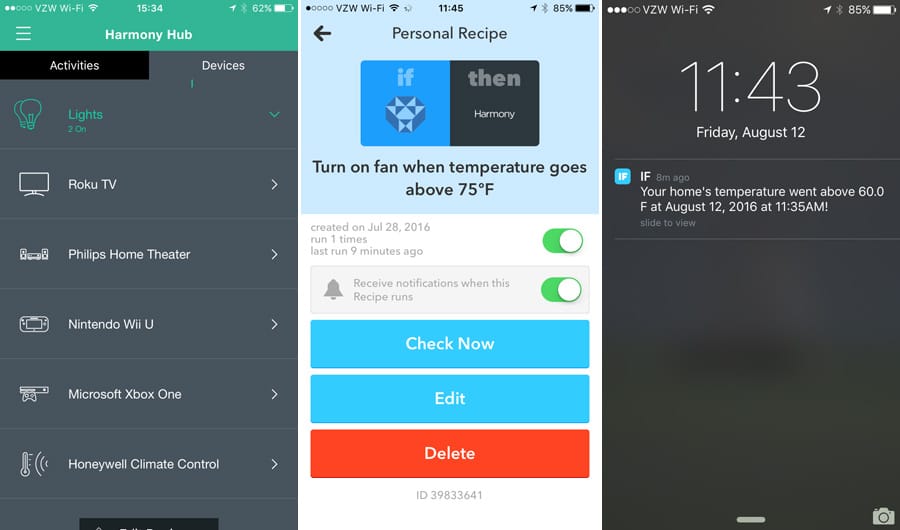
I connected the Harmony Elite to IFTTT and created a custom “recipe” (series of commands). I did the same with our smoke alarm detector, which also measures the temperature in our place. When the temperature is more than 75 degrees, it alerts IFTTT. IFTTT then sends a signal to the Harmony Elite to turn on the fan. That way, we don’t have to worry about Speckles when we’re not home. This may sound complicated but it really isn’t.
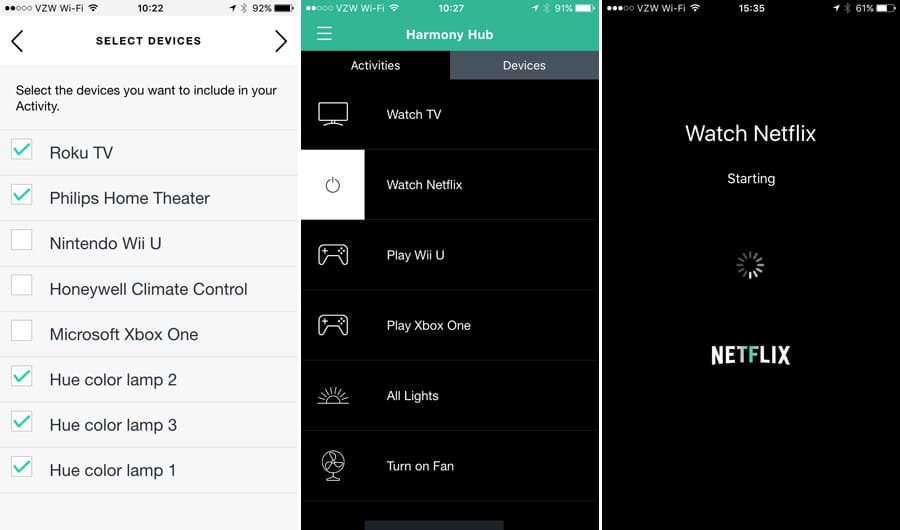
Does the Harmony Elite still control the TV and other home theater devices? Of course. But, you can do so much more than just turning them on and off. You can also create “activities.” These are several functions pre-programmed into one to take place in sequence. For example, I have an activity for movie night. All I have to do is select the “Watch Netflix” menu item on the remote touchscreen. That will automatically turn on the TV, select Netflix on our Roku streaming device, turn on the home theater, and dim the lights for a real movie theater experience. Easy, right?!
Logitech Harmony Elite — Some Ingenuity Required
We just had one problem. We need to figure out how to control the sound on our home theater system while watching TV. Every time we wanted to change the volume, we had to go to the device menu, select the device, adjust the volume, and then go back to the menu to switch devices to turn the channel. Too many steps! I was able to find a work-around, though, with some out-of-the-box thinking.
First, I had to select the TV and “fix” the volume up, down, and mute buttons. Then I had to point the home theater remote to the Harmony Hub to overwrite the TV’s commands. Don’t worry that you’ll break the remote. There’s an option to reset the commands so nothing is permanently overwritten. This just shows how flexible the Harmony Elite is. Now it works perfectly with no need to switch devices anymore!
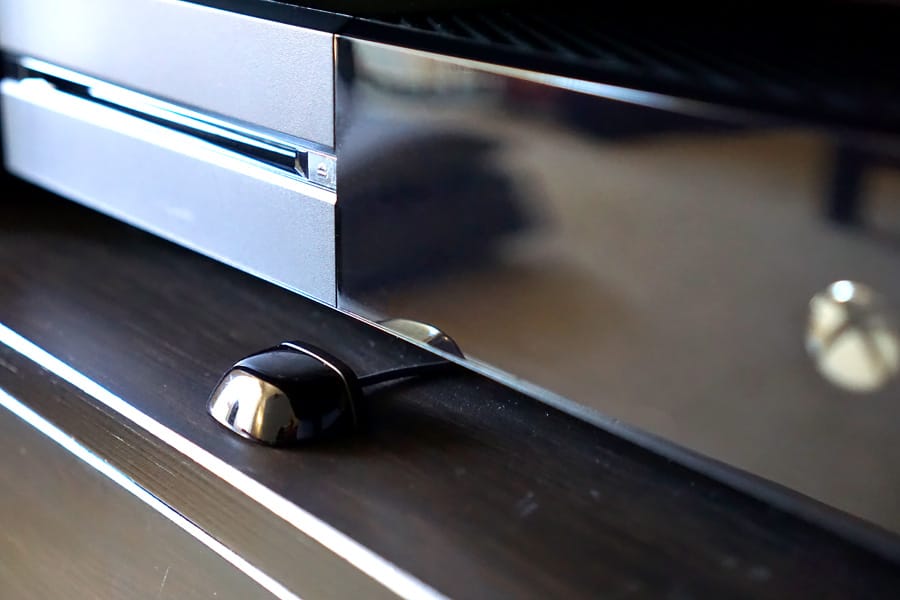
It’s amazing how well the Harmony Hub’s infrared signals can reach all the devices in our living room. In case you have a particularly large space or devices are in obscure spots, the Elite Harmony comes with two extenders. These connect to the Hub and, well, extend the signal reach to devices.
Logitech has created another keeper. Everything is well-built and the software has a good design. There is a learning curve but Google is your friend in figuring out how to program some functions. I still have no idea how to assign those colored buttons to different devices. Guess I know what I’ll be researching next. The system is easy to update, too, so we’ll be able to use it for a long time.
The Harmony Elite does come at a hefty price tag ($350) but this baby is capable of so much. In fact, I just found out that I can connect the remote to my laptop using a cable for even more customization. I can’t wait to discover new ways for the Logitech Harmony Elite to make our home even smarter! Learn more about the Harmony Elite here.
Thanks to the generosity of Logitech, one of my readers will win their own Logitech Harmony Elite! Enter below!
I was provided a product for review purposes. All opinions are my own.