Amazon Fire TV + FreeTime for Time Limit & Parental Controls
While we know it’s not good to use electronics as a babysitter, sometimes exhausted parents just need to do it. The problem is finding a good way of controlling what is…

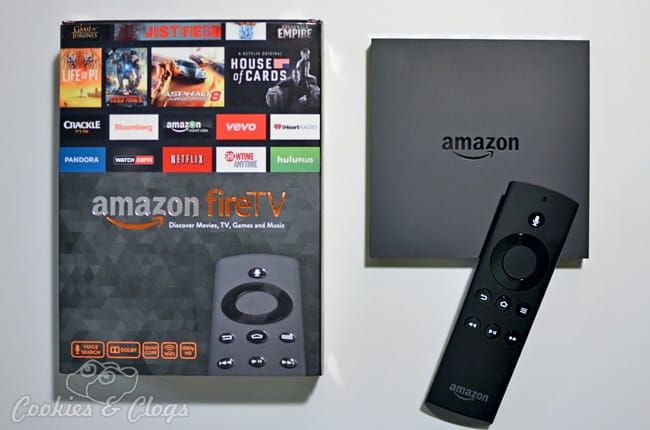
While we know it’s not good to use electronics as a babysitter, sometimes exhausted parents just need to do it. The problem is finding a good way of controlling what is being played/watched and setting a reasonable time limit. I already mentioned the benefits of FreeTime on the Kindle but now you can get those same benefits on your television using Amazon Fire TV. Does it really work? Read on to find out 🙂
FreeTime on Amazon Fire TV
FreeTime is very easy to set up on your Amazon Fire TV, especially if you’ve already created your account on another device. The best part about Freetime is the option to add a time limit. At the 15- and 5-minute mark, your child will see a small pop-up notification letting them know their time is getting close to being out. When their limit has been reached, a message will show and a parent must enter their code to exit the program.
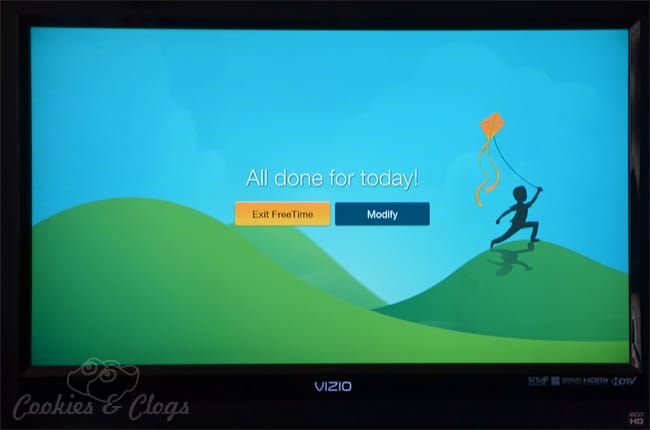
The only problem was that, after the 5-minute warning, I was able to play Despicable Me: Minion Rush for an additional 20 minutes or so. As soon as I went out of FreeTime and then back in, that’s when I got the notice that time was out. Just be aware that it may be possible to “cheat” the time limit a bit if you’re currently using an app or movie.
Any movies or tv shows that you own in your Amazon video library can be added to FreeTime. Disney Channel, Disney Junior, and Disney XD can be added as channels but you must have cable to access those. I was disappointed that I could not add the streaming Prime Instant Video shows to the FreeTime. I’m not sure if that’s a programming issue or just something I haven’t figured out how to do, but I really would have liked that feature. We cut off cable recently so this really limited what I could put in FreeTime for my daughter to watch (or me while testing).
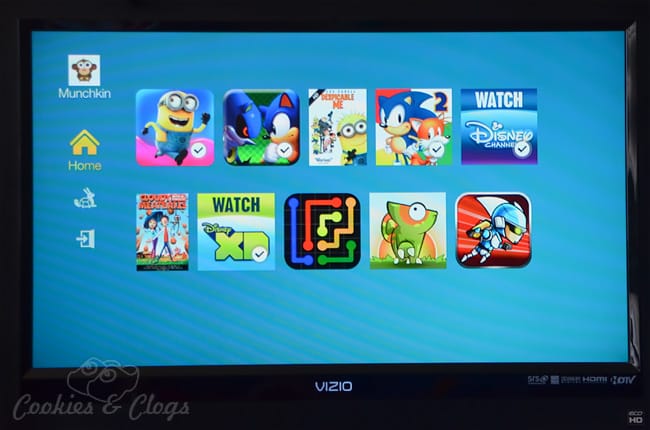
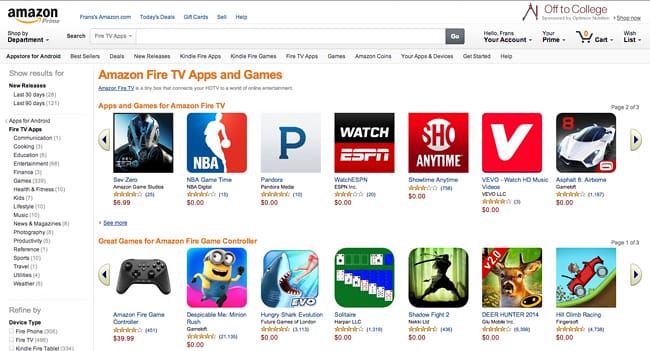
Earlier I mentioned that it was possible to play games and other apps on the Amazon Fire TV. There’s a whole section of apps and games

that you can add to your device and to your FreeTime library.
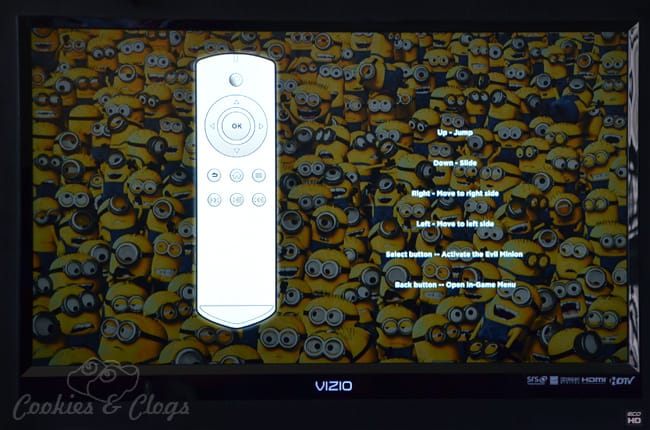
While you are able to use the remote, a separate controller can be purchased if you plan on playing games on this frequently. Using the remote to play is not the easiest or most convenient but it is doable.
Amazon Fire TV Review
A couple tidbits about the Amazon Fire TV itself. The voice command works really well and does great at recognizing the speech of all three of us (my husband, my daughter, and me). Search and play is super fast. Only the games seem a bit choppy but that may depend on the game itself. Photos can also be shown on your television by means of Amazon Cloud Drive which is quickly accessed.
I love that there’s a specific Prime menu item to easily find what television shows and movies are free as a Prime member. It’s also great playing music, especially if you have children, as you can have the lyrics right there on screen to sing along. The box is also tiny and works with Bluetooth so you can hide it behind something and still control it fine.