SocialCafe Review – Free Photo App To Add Audio & Share
It’s funny how common it is nowadays to share everything online. Whether we’re on vacation, having good times with friends, watching the kids grow up, showing off a finished project,…


It’s funny how common it is nowadays to share everything online. Whether we’re on vacation, having good times with friends, watching the kids grow up, showing off a finished project, or whatever, it’s more likely than not it will be shared on a free photo app or one social media platform or another. I mean, really, five years ago, did you really take a photo of every meal and Instagram it before you started eating? I sure didn’t.
Sometimes, though, photos alone are not enough. Sure, you can send video. The problem with that is that you can only share 6-30 seconds. Otherwise the file ends up too big to even send via text message or email. What if there was a way to find a happy medium? There’s a new iOS app that lets you add sound or narration with your photo and then share it. It’s called SocialCafe.
SocialCafe – Free Photo App To Add Audio & Share (iOS only)
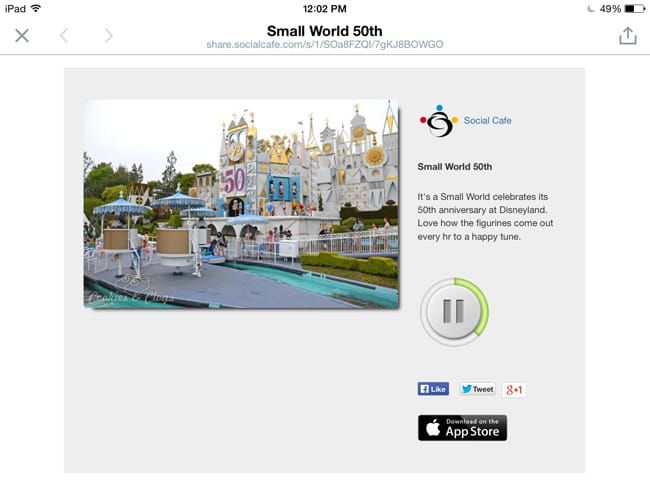
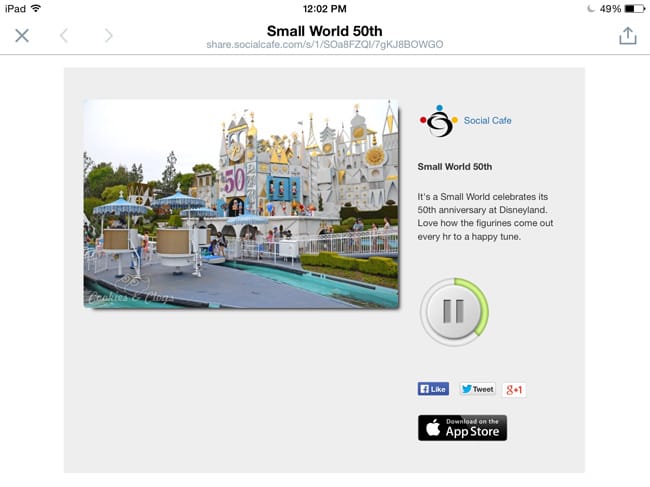
SocialCafe lets you take any photo and attach up to five minutes of audio to it. After saving it to your DropBox account, you can share it directly from the app to Facebook or Twitter. The app is optimized for iPhone 5 but, since I don’t have one, I had to do my testing on my iPad Air (in case you’re wondering why there’s a black border on the screenshots).
New SocialCafe picture w/audio: Small World 50th http://t.co/X9YEdDbiA3 pic.twitter.com/e7Bs2BRC69
— TerriAnn van Gosliga (@cookiesANDclogs) August 28, 2014
Or, you can download the html file in your DropBox, click on that, and then send the link via email or text message. There should have been an option to send it directly to email but I only saw Facebook and Twitter on my screen. Either way, you will need to follow the link to “hear” the photo. It would have been quicker if a direct (shortened) link was generated and then that could be shared instead.
Ease of Use
Taking or choosing an existing photo is extremely easy and fast. From there you can add your audio, a title (30 characters), and a description (125 characters) if you so choose. Tap the icon to save it to your DropBox. Tap the arrow to share it.

You can check out the interactive walkthrough here:
I did run into a couple issues with the app. If you save a photo with audio to your DropBox and then decide to record a new audio, it will overwrite your saved file, even if you do the recording another day. I assumed a new file would be made as the folders are organized by date. It was not, as my old audio was partially overwritten. Instead of hearing Speckles whine for her food, you hear me going, “Bla-la-lump-la, blah.” Not what I was going for. So, for that one, I just had to start over.

Though you should be able to share the file on Facebook, I was not able to. I would get an error that I had to connect my Facebook account in the settings but the only option in settings is to enable reporting. For Twitter, I just had to make sure I was signed into my Twitter account first. Then it worked. With Facebook, that didn’t do anything.
SocialCafe is a free app to download and to use. I think it would be great when at public events or to capture moments with the family and really make your viewers feel like they’re there with you. The app runs smoothly and didn’t hang at all or slow down my system while using it. However, it’d be nicer to embed the file instead of having to click out to the SocialCafe site to see it. Maybe those can be things to be implemented later. If you’re feeling the limitation of photo but don’t need the visuals of video, then you might want to give SocialCafe a try.